Get starters first, then use the Standard Banner
Get your first units by finishing the tutorial and choosing starter troops. After that, spend gems on the Standard Banner in the lobby. A single summon costs 50 gems and ten summons cost 500. Owning a result is separate from equipping it because the combined stars of your active troops must fit the Star Limit.
Claim your tutorial choices
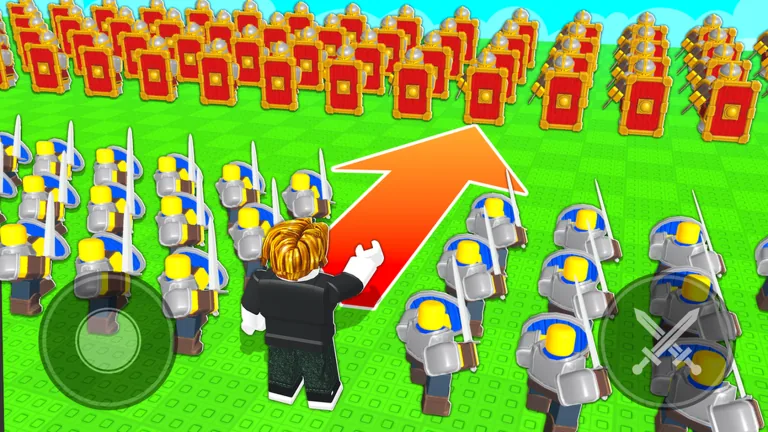
The tutorial introduces troop control and has you spawn Knights to attack a gate. After completing it, a recorded starter selection included Mercenary, Archer, Shieldman, and Spearman choices. Read the live selection screen before confirming, because this guide does not establish that every account always receives the same set or number.
Choose for coverage rather than rarity assumptions. Protection helps against arrows, ranged troops pressure from distance, and a melee body can contest close ground. The first goal is a squad that reaches and holds objectives while you learn Follow, Hold, Attack, and Rush.
Summon from the lobby
The Standard Banner supplies additional units. Examples in its pool include Spartan, Immortal, Crossbowman, and Scout Rider.
| Action | Documented cost | Decision rule |
|---|---|---|
| One summon | 50 gems | Use when you want one result without saving 500 |
| Ten summons | 500 gems | Ten times the single price; no discount is documented |
| Skip animation | 100 Robux | Optional convenience, not another unit |
Do not assume a pity counter, rarity rate, guaranteed unit, or ten-pull bonus unless the current banner screen states one. The accepted details do not verify those features.
Equip what you obtain
Open unit management after summoning and compare the unit’s stars with your remaining Star Limit. If the game refuses the selection, remove another equipped troop or raise the account level to increase capacity. One new player saw a five-star cap, while another example discussed six; neither number should replace the value displayed for your account.
A lower-star starter can remain useful because it may fit beside a stronger result. Judge the full army, not the newest unit in isolation.
Handle unwanted units carefully
Units can be deleted for a small gem refund. Treat deletion as inventory cleanup, not a reliable farming loop. Check the unit name, stars, and role before confirming, especially when you have not yet tested it in a match.
The current game check did not show a trading, crafting, evolution, or ascension route for getting units. Do not spend resources on a recipe that the live menus do not show.
A safe acquisition loop
- Complete the tutorial and select a usable starter mix.
- Check the current Star Limit and open squad slots.
- Earn and reserve gems through normal play.
- Confirm the live Standard Banner price.
- Summon, inspect the result, and test whether it fits.
- Delete only a unit you intentionally no longer need.
This loop prevents the common mistake of spending for a strong-looking troop that cannot enter the current loadout.
FAQ
How do I get my first units?
Finish the tutorial and use the starter selection shown afterward.
Where do new summoned units come from?
Use the Standard Banner in the lobby.
How much is one summon?
The last checked price was 50 gems. Confirm it on the current banner before spending.
Why can I own but not equip a unit?
Its stars can push the equipped total over your Star Limit.
Can I sell unwanted troops?
The unit menu supports deletion for a small gem refund; inspect the confirmation carefully.