
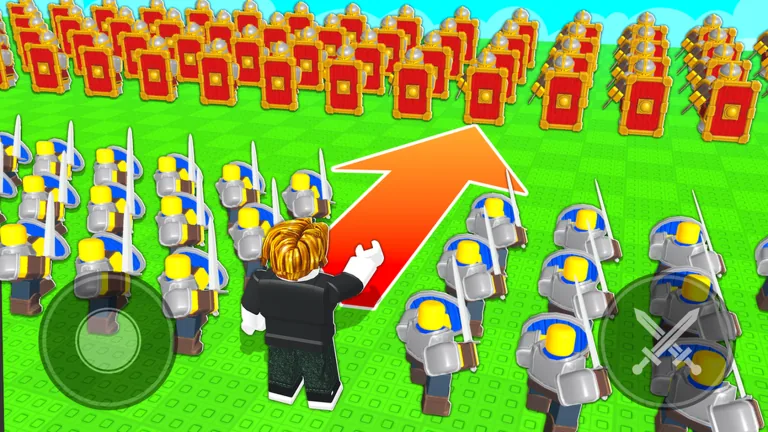
No evolution procedure is verified for this update
The current unit menus cover acquiring, equipping, commanding, and deleting units, but they do not include an evolution menu or procedure. Do not spend duplicates, gems, or imagined materials based on a guide that cannot show the current interface for this exact game.
This is a dated September 6, 2026 check, not a claim that evolution can never be added.
Do not confuse the documented systems
Several real mechanics can look like progression without being unit evolution.
| Verified system | What changes | What it does not prove |
|---|---|---|
| Standard Banner | Adds summoned units to inventory | Duplicate-based evolution |
| Star Limit | Controls combined equipped stars | A unit’s personal evolution stage |
| Account leveling | Raises the documented Star Limit | Unit levels, awakenings, or materials |
| Unit deletion | Removes a unit for a small gem refund | Fusion or promotion |
Keep these boundaries intact. A star shown on a unit is part of loadout capacity; it is not enough to establish an upgrade ladder.
Check the live game in five steps
- Open unit management and select a unit you own.
- Look for an explicit Upgrade, Evolve, Promote, Merge, or Enhance control.
- Read every displayed requirement before confirming any action.
- Compare the exact Roblox Place ID,
101770480176177, when consulting an announcement. - Record the game update date and menu wording before treating the feature as current.
If no such control appears, use the inventory and loadout actions that are actually on screen. Do not infer an invisible recipe from duplicate summons.
What a trustworthy evolution guide must show
A usable future guide needs the menu path, eligible units, required currency or materials, number of duplicates, result, and current update date. It should distinguish permanent changes from simply equipping a different troop. Any screenshot or developer post must match the same experience.
Avoid pages that borrow systems from another army game, describe generic rarity colors without the live screen, or promise statistics that cannot be checked on a unit card.
Progress safely in the meantime
Use the systems that are on screen. Finish the tutorial, choose starter troops, summon from the Standard Banner for 50 gems per single or 500 per ten, and arrange a balanced lineup under the Star Limit. Account leveling raises that cap, which can let you field more combined stars.
Test units before deleting them. The deletion refund is small, and a lower-star option can become useful when fitting protection, range, and mobility into one legal squad.
Why the status page is useful
Players often search for a feature before the game adds it. This dated status keeps a confident but false recipe from driving your spending. When the live interface changes, replace this check with exact requirements instead of guessing early.
FAQ
Does Command An Army have unit evolution?
No evolution procedure appears in the current game menus.
Are unit stars evolution levels?
Stars count toward the combined Star Limit for equipping troops.
Should I save duplicate units?
Inspect the live unit menu before deleting anything; no duplicate evolution requirement is confirmed.
Is account leveling the same as evolution?
No. Account leveling is described as increasing loadout capacity, not evolving an individual unit.
When should this guide change?
Update it when the live game or exact developer announcement provides a verifiable evolution path.