
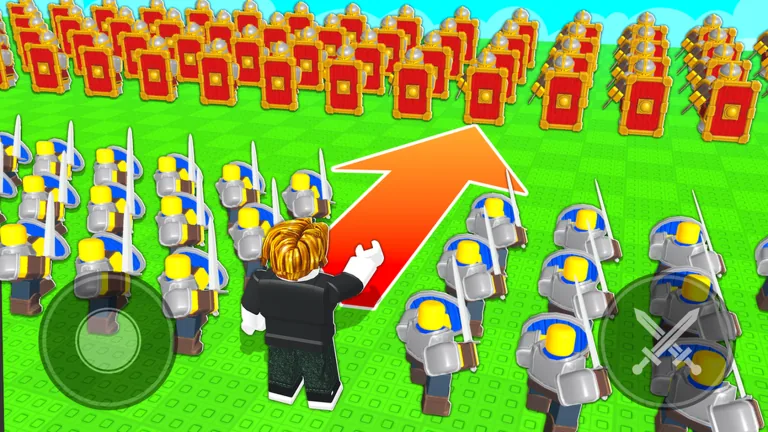
Add the stars before building the army
The Command An Army Star Limit caps the combined star value of every troop equipped at once. A summon can belong to your account and still be unavailable for the active squad if adding it exceeds that cap. Check the current value in unit management, total the proposed lineup, and leave out enough stars until the game accepts it.
Ownership and capacity are different
Think of the inventory as everything you own and the loadout as what the cap allows you to field. Pulling a high-star unit expands the first list, not the second.
| Situation | Meaning | Next action |
|---|---|---|
| Unit is owned and equips | Total is within the cap | Save the loadout and test it |
| Unit is owned but rejected | Proposed total is over the cap | Remove or replace another troop |
| Extra capacity appears after leveling | Account progression raised the limit | Rebuild the squad with the new room |
One recorded early account displayed five stars. Another explanation used six stars as an example that could fit an extra Shieldman. These are examples, not universal starting or level thresholds. Your live screen is authoritative.
Fix a unit that will not equip
First, verify that the unit is actually in inventory. Next, note every equipped troop’s star value and add them. Remove one unit, try the new result, and watch whether the loadout becomes valid. Do not delete anything just to perform this test.
If capacity remains the issue, continue normal account leveling. Star Limit rises with level, but there is no exact level-to-star table in the current game check. Read the value after leveling rather than relying on a copied chart.
Build for roles within the cap
A legal army can still be badly shaped. Use available stars for complementary jobs: protection for open approaches, ranged pressure against defenders, and mobility or melee presence for capture points. Lower-star starter troops may let you cover more jobs than one expensive-looking summon.
Ask three questions before saving:
- Can this group survive the route to the objective?
- Can it pressure both close and ranged threats?
- Can I control it reliably with Follow, Hold, Attack, and Rush?
Stars measure capacity, not battlefield intelligence. Commands and positioning remain decisive.
Recheck after every account change
Review the loadout after leveling, summoning, deleting a unit, or changing the tactical plan. An extra star can make a previously impossible pairing legal. A new high-star pull can tempt you into removing the Shieldman or ranged support that made the old squad stable.
Use a simple comparison table for yourself: unit name, displayed stars, role, and whether it solves the current match problem. This keeps star count from turning into a fake tier rating.
Mistakes to avoid
- Do not assume five or six is every player’s current cap.
- Do not confuse account level with unit evolution.
- Do not delete a useful low-star troop before testing the new combination.
- Do not judge a lineup only by its largest unit.
- Do not ignore the squad’s actual position after equipping it.
The best loadout is the one that fits, stays together, and contributes to Capture Point A, Capture Point B, or the Capture Base.
FAQ
What is the Command An Army Star Limit?
It is the cap on the combined stars of all troops equipped in your active army.
Why will a summoned unit not equip?
Adding its stars can exceed the remaining capacity even though you own it.
Does the Star Limit increase?
It rises with account level. Check your live screen for the current value.
Is a high-star unit always better?
No. Star cost affects capacity, while role, positioning, and squad balance determine practical value.
Should I delete units to fix the cap?
No. Unequip and test combinations first; deletion is permanent inventory cleanup for a small refund.